Настольное приложение
This page covers installing the Meshtastic desktop app, connecting a radio, and how it differs from Android. The desktop app shares its core codebase with Android via Kotlin Multiplatform, so most features work identically across Linux, macOS, and Windows.
Установка
Linux
- Download the
.deb,.rpm, or.AppImagepackage from the releases page - Or install from Flathub:
flatpak install flathub org.meshtastic.MeshtasticDesktop - Или соберите из исходного кода с помощью
./gradlew :desktopApp:run
macOS
- Download the
.dmgpackage from the releases page - Или соберите из исходных кодов
Windows
- Download the
.msior.exeinstaller from the releases page - Или соберите из исходных кодов
Подключение твоей радиостанции
Последовательная USB (Основной)
The most reliable connection method on desktop:
Connect your radio via USB. The app detects the serial port automatically; if it doesn’t, select the port from the Connect menu.
TCP/IP
Для радиостанций, подключённых по сети:
- Введите IP-адрес и порт радиостанции (по умолчанию: 4403).
- Нажмите “Подключиться”.
Bluetooth (BLE)
Bluetooth Low Energy is supported on desktop via the Kable library:
- Убедитесь, что ваша система оснащена Bluetooth-адаптером. Приложение автоматически сканирует находящиеся поблизости радиостанции Meshtastic.
- Select your radio from the Connect screen.
Паритет функций
| Функция | Android | Desktop | Заметки |
|---|---|---|---|
| Обмен сообщениями | ✓ | ✓ | Полное равенство |
| Список узлов | ✓ | ✓ | Полное равенство |
| Карта | ✓ | ✓ | Interactive MapLibre map, with base map and overlay pickers and custom tile sources. Offline terrain (hillshade and contours) can be downloaded; offline base-map packs and local .mbtiles archives cannot |
Map layers (.kml/.kmz/GeoJSON) | ✓ | ✓ | Same layer store and sheet as Android; imported files draw on the desktop map |
| Планировщик участков | ✓ | ✓* | *Opens in your browser on desktop; the estimate is not drawn on the desktop map |
| Настройки | ✓ | ✓ | Полное равенство |
| Bluetooth (BLE) | ✓ | ✓ | Через Kable в настольном приложении |
| Обновление прошивки | ✓ | ✓ | In-app USB, BLE, and Wi-Fi (ESP32) update work the same as Android. The USB maintenance flow — nRF52/RP2040 factory erase and bootloader upgrade — is Android-only |
| Уведомления | ✓ | ✓ | Системные уведомления |
| Виджеты | ✓ | ✗ | Только Android |
| AI-ассистент (Chirpy) | ✓* | ✗ | Только в Google-версии для Android |
| Функции приложения (системный ИИ) | ✓† | ✗ | Только в Google-версии для Android |
*Chirpy AI требует Android 14+ в Google-версии на поддерживаемом оборудовании.
†Функции приложения предоставляют действия приложения системному ИИ Android в Google-версии. См. Функции приложения.
Различия интерфейса
The desktop app uses the same Compose Multiplatform UI with adaptations for larger screens and desktop interaction.
Сочетания клавиш
Сочетания клавиш используют ⌘ (Command) на macOS и Ctrl на Windows и Linux. (Клавиша Super / Windows не используется.)
| Сочетание | Действие |
|---|---|
| ⌘/Ctrl+Q | Quit the app |
| ⌘/Ctrl+, | Открыть настройки |
| ⌘/Ctrl+1 | Перейти во вкладку “Сообщения” |
| ⌘/Ctrl+2 | Перейти во вкладку “Узлы” |
| ⌘/Ctrl+3 | Перейти во вкладку “Карта” |
| ⌘/Ctrl+4 | Перейти во вкладку “Подключение” |
| ⌘/Ctrl+/ | Открыть “О программе” |
Окно и системный трей
- Изменение размера окна — адаптивный макет подстраивается под размеры окна
- System tray — closing the window minimizes to the system tray for background mesh operation. On a desktop environment with no tray, there is nowhere to minimize to, so closing quits the app instead
- Меню трея — щёлкните правой кнопкой мыши по значку в трее, чтобы показать окно или выйти
- Взаимодействие с мышью — состояния при наведении и стандартная настольная навигация
Настройки уведомлений
The desktop app provides in-app toggles for controlling which notifications are shown. Find them in the App Notifications section of the Settings screen: Direct message notifications, New node notifications, and Low battery notifications.
Встроенный браузер документации
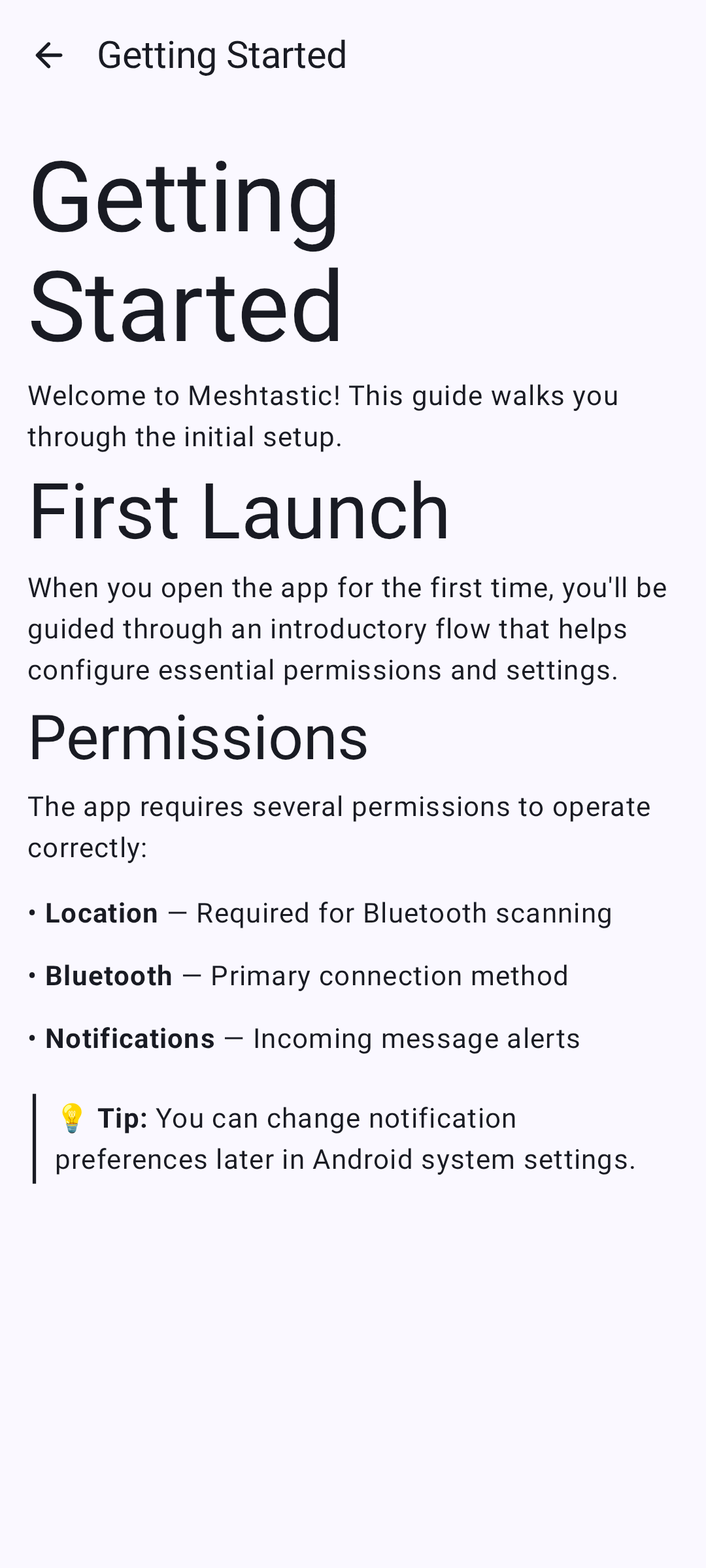
The desktop app includes a built-in documentation browser for quick access to help content without leaving the app.
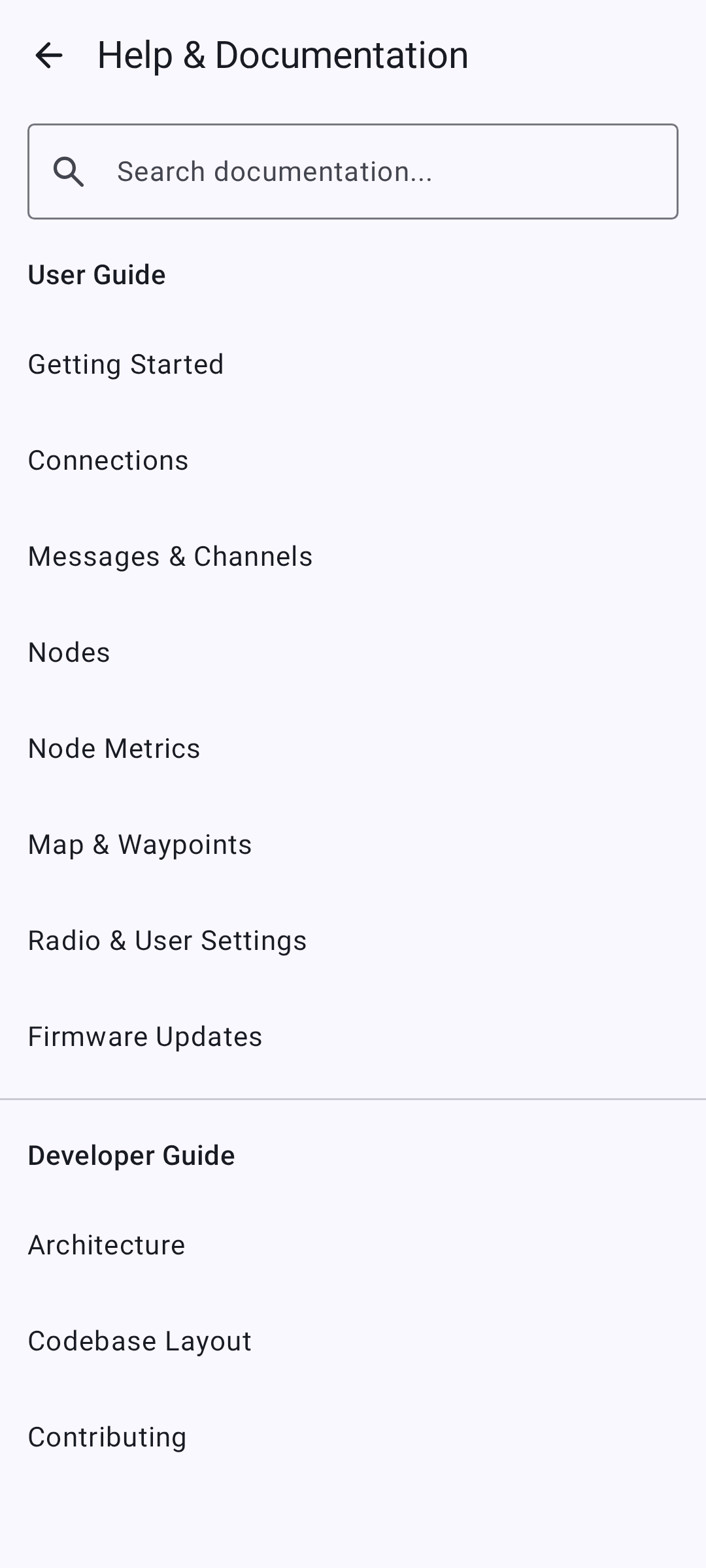
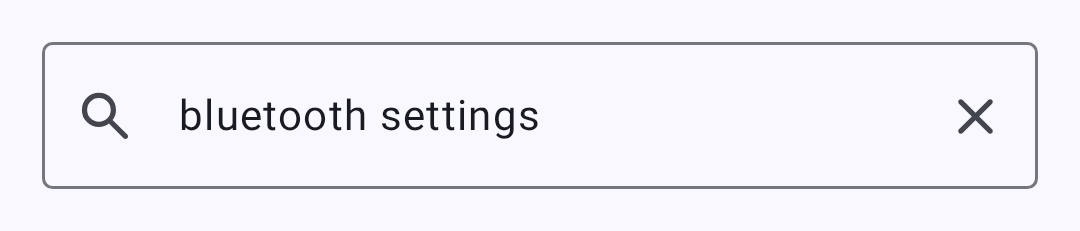
Браузер поддерживает полнотекстовый поиск по всей документации:
Отдельные страницы документации отображаются с полным форматированием:
Сборка из исходного кода
git clone https://github.com/meshtastic/Meshtastic-Android.git
cd Meshtastic-Android
./gradlew :desktopApp:run
Требования:
- JDK 25 (Gradle can provision the toolchain itself via foojay)
- Для сборки только настольной версии Android SDK не требуется
Известные ограничения
- Offline base-map downloads and local
.mbtilesarchives are not available on desktop. Offline terrain is — see Map & Waypoints. .kml/.kmz/GeoJSON layer import works — see Map & Waypoints. Site Planner opens in your browser rather than in the app; to bring its coverage estimate onto the map, click the transmitter pin in the browser and use the planner’s GeoJSON export, then add the file as a layer — not the KML export, which is a ground-overlay image this map cannot draw. Custom network tile sources work too — see Map & Waypoints- The USB maintenance flow — nRF52/RP2040 factory erase and bootloader upgrade — is Android-only, and the desktop app does not offer it. Use the Web Flasher instead
- Некоторые специфичные для Android функции (виджеты, отдельные каналы уведомлений) недоступны
- Производительность может варьироваться на маломощном оборудовании при запуске Compose Desktop
- BLE-связывание пока не поддерживается в настольном приложении (сопряжение работает без связывания)
Связанные темы
- Подключения — обзор методов подключения
- Firmware Updates — in-app USB, BLE, and Wi-Fi update all work the same as on Android
- Map & Waypoints — base maps, layers, custom tile sources, and what the desktop map does not do