Desktop App
This page covers installing the Meshtastic desktop app, connecting a radio, and how it differs from Android. The desktop app shares its core codebase with Android via Kotlin Multiplatform, so most features work identically across Linux, macOS, and Windows.
Paigaldus
Linux
- Download the
.deb,.rpm, or.AppImagepackage from the releases page - Or install from Flathub:
flatpak install flathub org.meshtastic.MeshtasticDesktop - Or build from source using
./gradlew :desktopApp:run
macOS
- Download the
.dmgpackage from the releases page - Or build from source
Windows
- Download the
.msior.exeinstaller from the releases page - Or build from source
Connecting Your Radio
USB port (esmane)
The most reliable connection method on desktop:
Connect your radio via USB. The app detects the serial port automatically; if it doesn’t, select the port from the Connect menu.
TCP/IP
For network-connected radios:
- Sisesta raadio IP-aadress ja port (vaikimisi: 4403).
- Klõpsa Ühenda.
Sinihammas (BLE)
Bluetooth Low Energy is supported on desktop via the Kable library:
- Veendu, et süsteemil on sinihamba adapter. Rakendus otsib automaatselt lähedalasuvaid Meshtastic raadioid.
- Select your radio from the Connect screen.
Feature Parity
| Feature | Android | Desktop | Sõnumid |
|---|---|---|---|
| Messaging | ✓ | ✓ | Full parity |
| Sõlmede loend | ✓ | ✓ | Full parity |
| Kaart | ✓ | ✓ | Interactive MapLibre map, with base map and overlay pickers and custom tile sources. Offline terrain (hillshade and contours) can be downloaded; offline base-map packs and local .mbtiles archives cannot |
Map layers (.kml/.kmz/GeoJSON) | ✓ | ✓ | Same layer store and sheet as Android; imported files draw on the desktop map |
| Saidi planeerija | ✓ | ✓* | *Opens in your browser on desktop; the estimate is not drawn on the desktop map |
| Sätted | ✓ | ✓ | Full parity |
| Sinihammas (BLE) | ✓ | ✓ | Kable’i kaudu töölauale |
| Püsivara uuendus | ✓ | ✓ | In-app USB, BLE, and Wi-Fi (ESP32) update work the same as Android. The USB maintenance flow — nRF52/RP2040 factory erase and bootloader upgrade — is Android-only |
| Märguanded | ✓ | ✓ | Emakeelsed op.süsteemi märguanded |
| Widgets | ✓ | ✗ | Android-only |
| TI assistent (Chirpy) | ✓* | ✗ | Google flavor Android only |
| Rakenduse funktsioonid (süstemi TI) | ✓† | ✗ | Google flavor Android only |
*Chirpy tehisintellekti jaoks on vaja Google’i eriversioonidel Android 14+ ja toetatud riistvaraga.
†Rakendusfunktsioonid paljastavad rakenduse toimingud Androidi süsteemi tehisintellektile Google’i eri versioonides. Vaata Rakenduse funktsioonid.
UI Differences
The desktop app uses the same Compose Multiplatform UI with adaptations for larger screens and desktop interaction.
Kiirklahvid
Otseteed kasutavad macOS-is ⌘ (Command) ja Windowsis ning Linuxis Ctrl. (Super/Windowsi võti pole seotud.)
| Otsetee | Action |
|---|---|
| ⌘/Ctrl+Q | Quit the app |
| ⌘/Ctrl+, | Ava sätted |
| ⌘/Ctrl+1 | Switch to Messages tab |
| ⌘/Ctrl+2 | Switch to Nodes tab |
| ⌘/Ctrl+3 | Lülitu kaardi vahekaardile |
| ⌘/Ctrl+4 | Switch to Connect tab |
| ⌘/Ctrl+/ | Open About |
Window & System Tray
- Window resizing — responsive layout adapts to window dimensions
- System tray — closing the window minimizes to the system tray for background mesh operation. On a desktop environment with no tray, there is nowhere to minimize to, so closing quits the app instead
- Salvemenüü – paremklõpsa salveikoonil akna kuvamiseks või sulgemiseks
- Hiire interaktsioon — hõljumisseisundid ja standardne töölaua navigeerimine
Notification Preferences
The desktop app provides in-app toggles for controlling which notifications are shown. Find them in the App Notifications section of the Settings screen: Direct message notifications, New node notifications, and Low battery notifications.
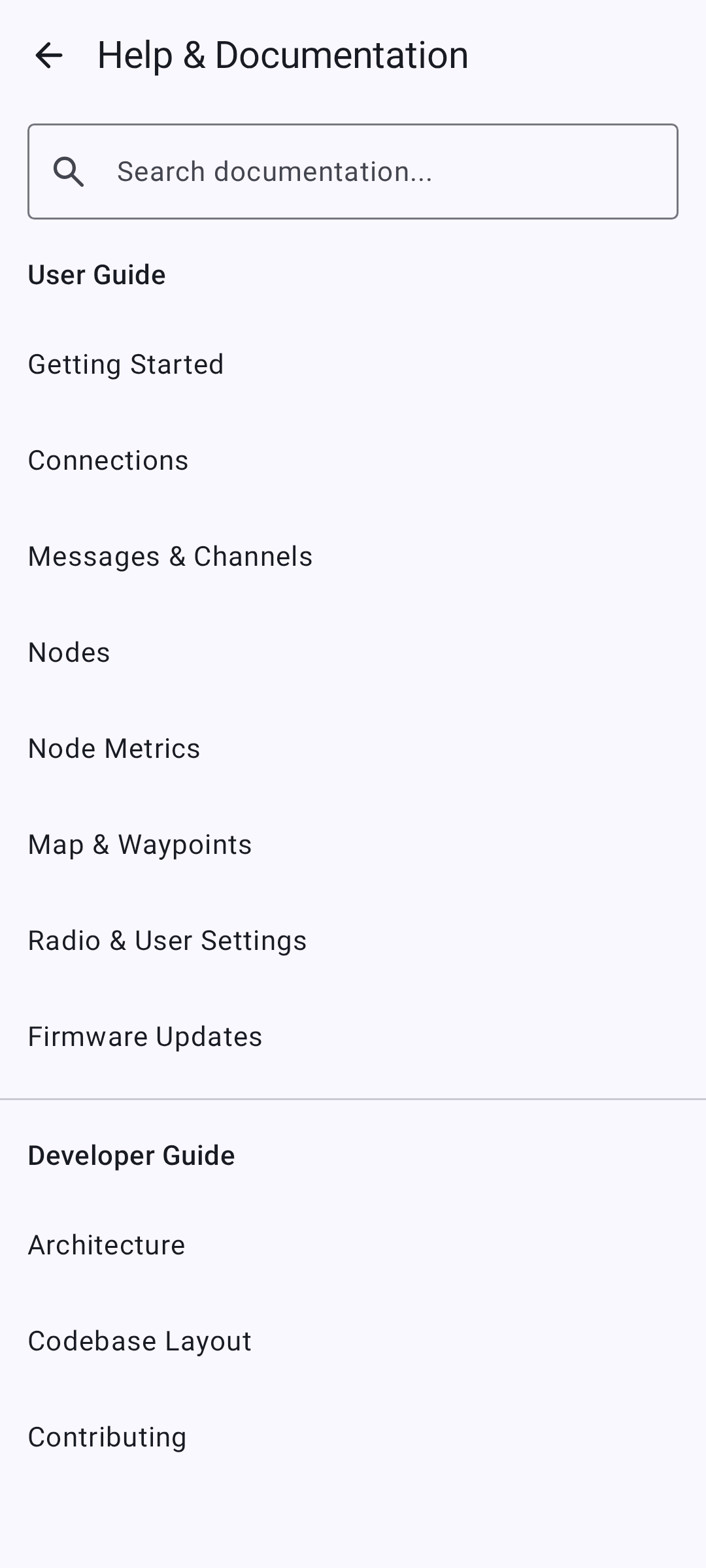
Sisseehitatud dokumentatsioonibrauser
The desktop app includes a built-in documentation browser for quick access to help content without leaving the app.
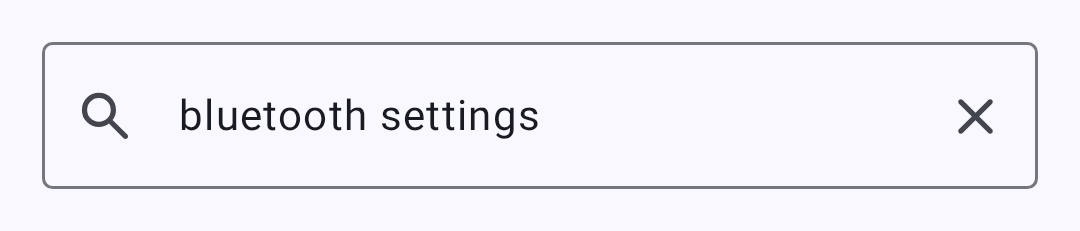
Brauser toetab täistekstiotsingut kogu dokumentatsioonis:
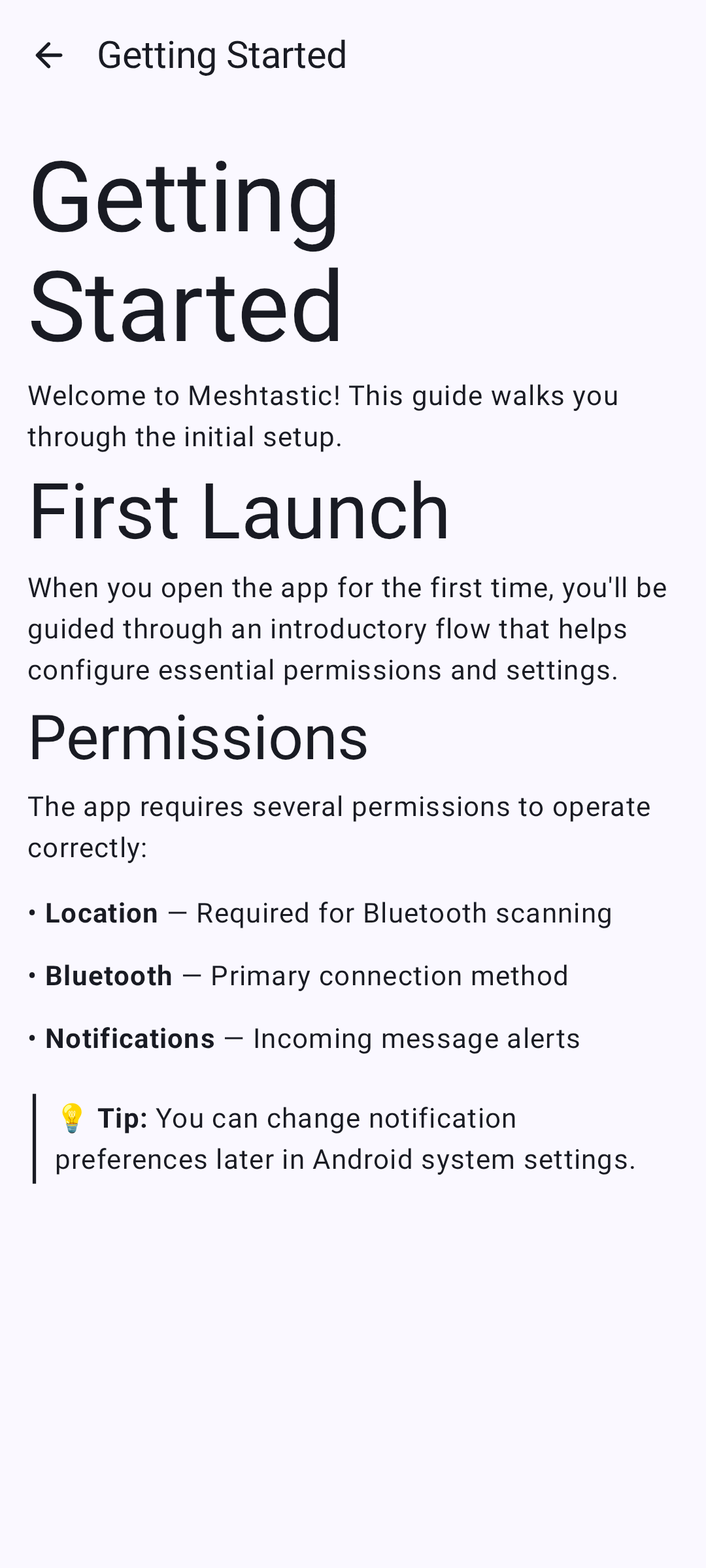
Individual doc pages render with full formatting:
Building from Source
git clone https://github.com/meshtastic/Meshtastic-Android.git
cd Meshtastic-Android
./gradlew :desktopApp:run
Nõuded:
- JDK 25 (Gradle can provision the toolchain itself via foojay)
- No Android SDK required for desktop-only builds
Known Limitations
- Offline base-map downloads and local
.mbtilesarchives are not available on desktop. Offline terrain is — see Map & Waypoints. .kml/.kmz/GeoJSON layer import works — see Map & Waypoints. Site Planner opens in your browser rather than in the app; to bring its coverage estimate onto the map, click the transmitter pin in the browser and use the planner’s GeoJSON export, then add the file as a layer — not the KML export, which is a ground-overlay image this map cannot draw. Custom network tile sources work too — see Map & Waypoints- The USB maintenance flow — nRF52/RP2040 factory erase and bootloader upgrade — is Android-only, and the desktop app does not offer it. Use the Web Flasher instead
- Mõned Androidile omased funktsioonid (vidinad, kindlad teavituskanalid) pole saadaval
- Performance may vary on low-spec hardware running Compose Desktop
- Lauaarvutid ei toeta veel BLE liitmist (sidumine toimib ilma ühendamiseta)
Seotud teemad
- [Ühendused] (connections) — ühendusmeetodite ülevaade
- Firmware Updates — in-app USB, BLE, and Wi-Fi update all work the same as on Android
- Map & Waypoints — base maps, layers, custom tile sources, and what the desktop map does not do