Desktop App
The Meshtastic Desktop application shares its core codebase with Android via Kotlin Multiplatform. Most features work identically on Linux, macOS, and Windows.
Installation
Linux
- Download the
.debor.AppImagepackage from the releases page - Or build from source using
./gradlew :desktopApp:run
macOS
- Download the
.dmgpackage from releases - Or build from source
Windows
- Download the
.msiinstaller from releases - Or build from source
Connecting Your Radio
USB Serial (Primary)
The most reliable connection method on Desktop:
- Connect your Meshtastic radio via USB cable.
- The app should detect the serial port automatically.
- If not detected, select the correct serial port from the Connect menu.
TCP/IP
For network-connected radios:
- Enter the radio’s IP address and port (default: 4403).
- Click Connect.
Bluetooth (BLE)
Bluetooth Low Energy is supported on Desktop via the Kable library:
- Ensure your system has a Bluetooth adapter.
- The app scans for nearby Meshtastic radios automatically.
- Select your device from the Connect screen.
Feature Parity
| Feature | Android | Desktop | Poznámka |
|---|---|---|---|
| Messaging | ✓ | ✓ | Full parity |
| Node List | ✓ | ✓ | Full parity |
| Mapa | ✓ | ◐ | Map tab exists on desktop, but the interactive map view is Android-only |
| Nastavení | ✓ | ✓ | Full parity |
| Bluetooth (BLE) | ✓ | ✓ | Via Kable on desktop |
| Aktualizace firmware | ✓ | ✓ | In-app USB, BLE, and Wi-Fi (ESP32) update all work the same as Android |
| Notifications | ✓ | ✓ | Native OS notifications |
| Widgets | ✓ | ✗ | Android-only |
| Android Auto | ✓ | ✗ | Android-only — not available on Desktop or iOS |
| AI Assistant (Chirpy) | ✓* | ✗ | Google flavor Android only |
| App Functions (system AI) | ✓† | ✗ | Google flavor Android only |
*Chirpy AI requires Android 14+ on Google flavor builds with supported hardware.
†App Functions exposes app actions to the Android system AI on Google flavor builds. See App Functions.
UI Differences
The Desktop app uses the same Compose Multiplatform UI with adaptations for larger screens and desktop interaction.
Keyboard Shortcuts
Shortcuts use ⌘ (Command) on macOS and Ctrl on Windows and Linux. (The Super / Windows key is not bound.)
| Shortcut | Action |
|---|---|
| ⌘/Ctrl+Q | Quit the application |
| ⌘/Ctrl+, | Open Settings |
| ⌘/Ctrl+1 | Switch to Messages tab |
| ⌘/Ctrl+2 | Switch to Nodes tab |
| ⌘/Ctrl+3 | Switch to Map tab |
| ⌘/Ctrl+4 | Switch to Connect tab |
| ⌘/Ctrl+/ | Open About |
Window & System Tray
- Window resizing — responsive layout adapts to window dimensions
- System tray — minimize to system tray for background mesh operation
- Tray menu — right-click the tray icon to show window or quit
- Mouse interaction — hover states and standard desktop navigation
Notification Preferences
The Desktop app provides in-app toggles for controlling which notifications are shown — messages, new nodes, and low battery alerts. Access these from Settings → Notifications within the app.
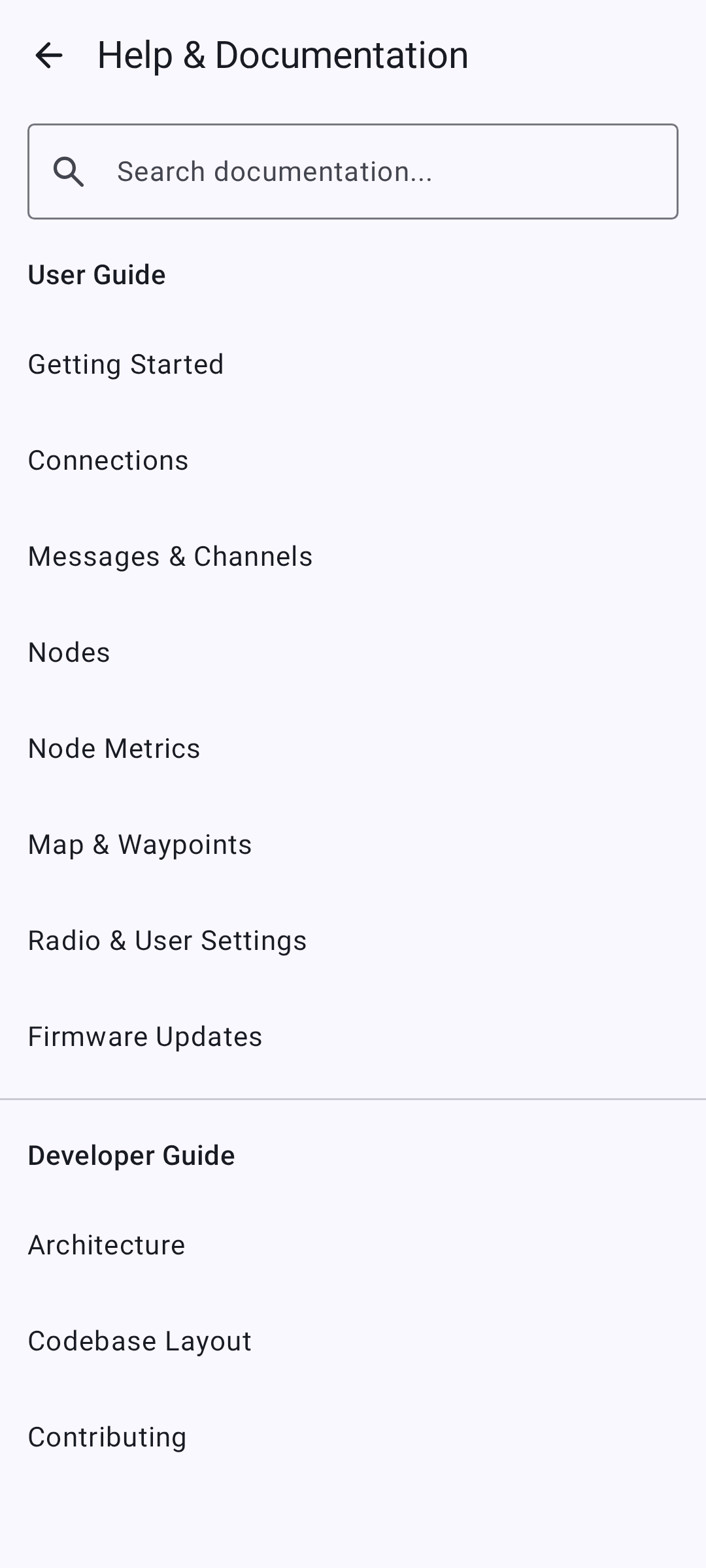
Built-in Documentation Browser
The Desktop app includes a built-in documentation browser for quick access to help content without leaving the application.
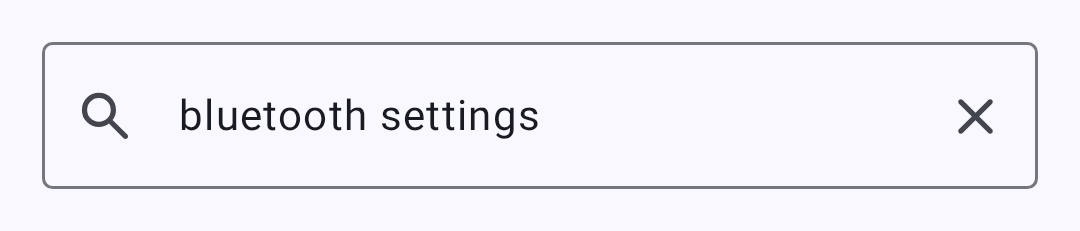
The browser supports full-text search across all documentation:
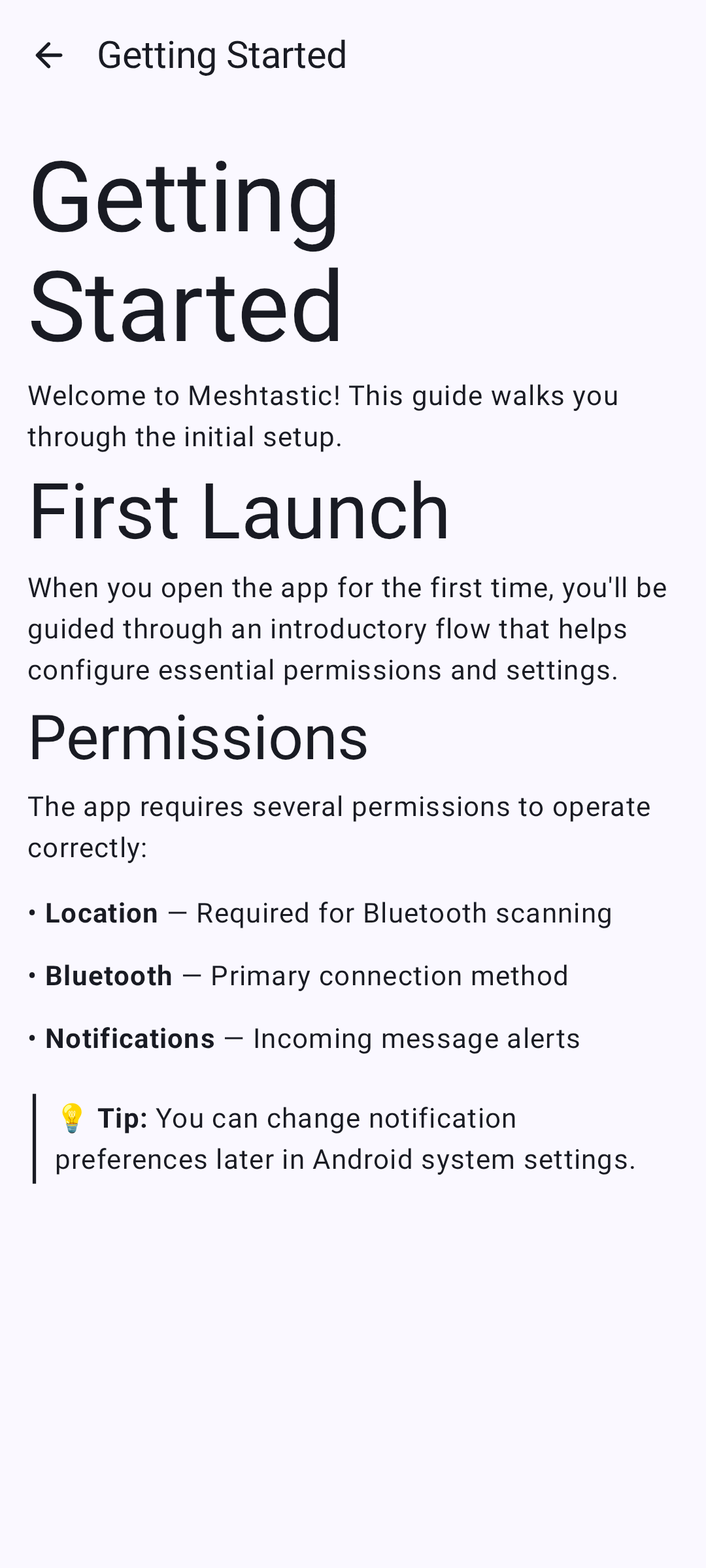
Individual doc pages render with full formatting:
Building from Source
git clone https://github.com/meshtastic/Meshtastic-Android.git
cd Meshtastic-Android
./gradlew :desktopApp:run
Požadavky:
- JDK 21
- No Android SDK required for desktop-only builds
Known Limitations
- The interactive map view is Android-only — the Map tab is present but does not render a map on desktop
- Some Android-specific features (widgets, specific notification channels) are unavailable
- Performance may vary on low-spec hardware running Compose Desktop
- BLE bonding is not yet supported on desktop (pairing works without bonding)
Related Topics
- Connections — connection methods overview
- Firmware Updates — USB, BLE, and Wi-Fi update all work the same as on Android