Настройки — Модули и администрирование
Настрой дополнительные функциональные модули и выполняй управление устройством. Модули расширяют Meshtastic с помощью специализированных возможностей — каждый из них можно включать или отключать отдельно.
💡 Совет: Тебе нужно включать только те модули, которые действительно используешь. Отключение неиспользуемых модулей снижает время передачи, экономит батарею и упрощает конфигурацию.
Настройки модулей используют макет на основе карточек с переключателями, выпадающими списками, текстовыми полями и ползунками:

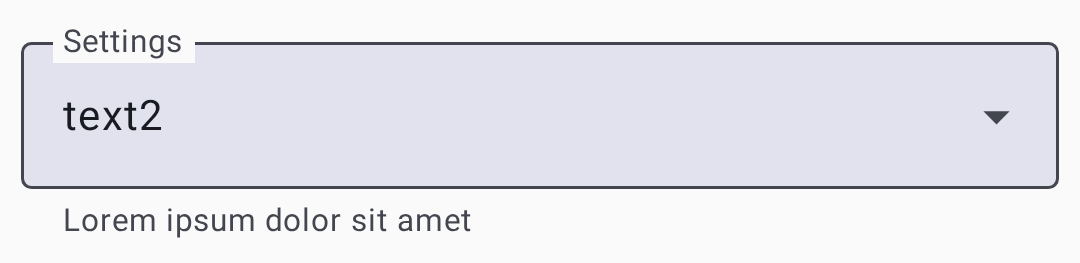
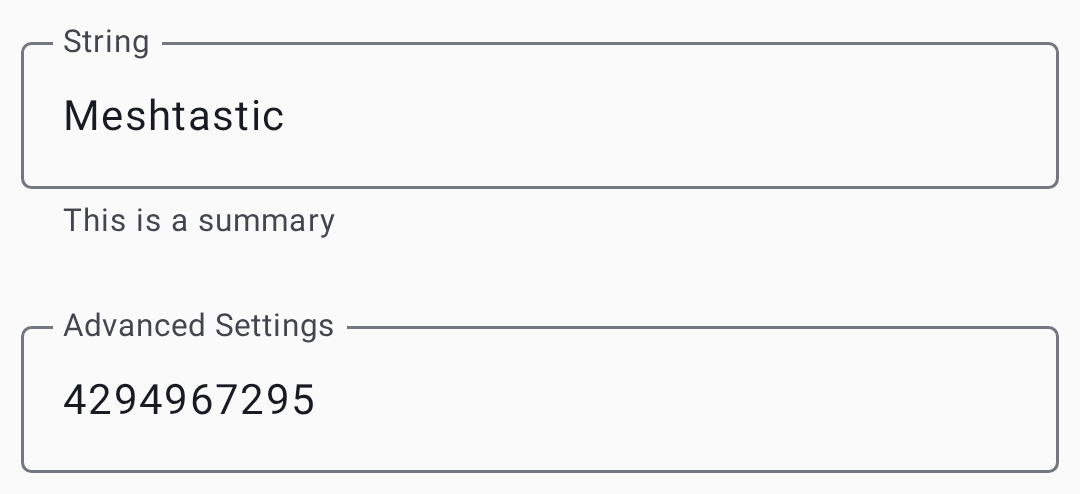
Конфигурация модуля
Модуль MQTT
Мосты передают сообщения туда и обратно от брокера MQTT для подключения к интернету. Ты так расширишь сеть за пределы радиуса действия или интегрируешь её с системами домашней автоматизации.
| Настройка | Описание |
|---|---|
| Включено | Переключить MQTT мост |
| Сервер | Адрес MQTT брокера |
| Имя пользователя | Имя пользователя для аутентификации |
| Пароль | Пароль аутентификации |
| Шифрование | Зашифровать MQTT-пейлоады |
| ⚠️ Устарело — поддержка JSON удалена из прошивки; поле игнорируется | |
| TLS | Использовать защищённое соединение |
| Корневая тема | Базовый путь темы MQTT |
| Отчет карты | Опубликовать позицию на публичной карте |
См. MQTT для подробного руководства по использованию, включая шифрование, конфиденциальность и настройку брокера.
Последовательный модуль
Позволяет общаться через последовательный порт с внешними устройствами (GPS-модулями, датчиками или собственной техникой). Когда включено, последовательный порт ноды может отправлять и получать данные в формате protobuf или текст, что позволяет внешним микроконтроллерам или компьютерам взаимодействовать с сетью.
| Настройка | Описание |
|---|---|
| Включено | Включить последовательное соединение |
| Эхо | Echo получил обратно последовательные данные |
| Режим обмена | Вывод в формате текста, Protobuf или NMEA |
| Пины RX/TX | GPIO-пины для последовательного соединения |
| Скорость передачи (бод) | Скорость последовательного соединения |
Модуль внешних уведомлений
Управляет зуммером, светодиодом или вибрацией на вашем радиооборудовании. Полезно для устройств, которым нужно физически сигнализировать о приходе сообщения — особенно удобно для неоснащенных персоналом или уличных установок.
| Настройка | Описание |
|---|---|
| Включено | Включить уведомления |
| Включить уведомление о входящем сообщении | Уведомлять о входящих сообщениях |
| Зуммер при уведомлении | Использовать буззер для сообщений |
| Alert Message Vibra | Использовать вибрацию для сообщений |
| Уведомлять при 🔔 | Notify on bell character |
| Вывод (GPIO) | Пин для вывода уведомления |
| Активный выход | High or Low active |
| Длительность (мс) | Длительность уведомления |
| Использовать I2S как буззер | Использовать аудиовывод I2S |
Модуль Store & Forward
Buffers messages for nodes that were temporarily offline, then replays them when those nodes reconnect. Essential for meshes where nodes go in and out of range regularly — ensures messages aren’t lost during brief disconnections.
| Настройка | Описание |
|---|---|
| Включено | Activate store and forward |
| Heartbeat | Periodically announce this node’s store-and-forward capability |
| Записи | Maximum stored messages |
| History Return (max) | Max messages to replay |
| History Return (window) | Time window for replay |
| Сервер | Act as a store-and-forward server for the mesh (requires ample memory, e.g. ESP32 with PSRAM) |
💡 Tip: Store and Forward works best on nodes with ample memory (ESP32 with PSRAM). Router nodes are ideal candidates since they’re typically always-on.
Range Test Module
Automated range testing tool for evaluating link quality between nodes. When enabled, the node periodically transmits test messages with incrementing counters. A receiver node logs these messages, allowing you to walk or drive away and later analyze at what distance messages stopped arriving.
| Настройка | Описание |
|---|---|
| Включено | Activate range testing |
| Sender Interval (s) | Time between test transmissions |
| Save CSV | Log received test data to SD card |
Telemetry Module
Controls what telemetry data your node shares with the mesh. Telemetry includes device health (battery, uptime) and environmental sensor data (temperature, humidity, pressure).
| Настройка | Описание |
|---|---|
| Device Metrics Interval | How often to report device metrics |
| Environment Metrics Interval | How often to report environment sensors |
| Телеметрия воздуха | Report particulate sensor data |
| Power Metrics Enabled | Report power usage |
See Telemetry & Sensors for supported sensors and configuration recommendations.
Canned Message Module
Pre-configured messages accessible from the device’s physical buttons (for radios with rotary encoders, keypads, or similar input hardware). Define a list of quick-send messages that can be transmitted without a phone connected — ideal for field use.
| Настройка | Описание |
|---|---|
| ⚠️ Устарело — текущая прошивка может игнорировать этот переключатель | |
| Сообщения | Список сообщений, разделённых новой строкой |
| Отправлять 🔔 | Play bell sound on send |
| Rotary Encoder | Enable rotary encoder input |
| Up/Down/Press Pins | GPIO pin assignments for input |
Audio Module
Codec2 audio support for low-bandwidth voice communication over the mesh. This is an experimental feature that encodes voice into very small data packets using the Codec2 codec.
| Настройка | Описание |
|---|---|
| Включено | Activate audio module |
| Codec2 Rate | Audio quality/bandwidth tradeoff |
| I2S Word Select | GPIO pin for I2S WS |
| I2S Data In | GPIO pin for I2S DIN |
| I2S Data Out | GPIO pin for I2S DOUT |
⚠️ Note: Audio requires specific hardware (I2S microphone and speaker). Voice quality is very low-bandwidth — think “understandable radio voice,” not phone-call quality.
Remote Hardware Module
GPIO control over the mesh network. Allows a remote node to read or write GPIO pins on another node — useful for activating relays, reading switches, or controlling external hardware from a distance.
| Настройка | Описание |
|---|---|
| Включено | Activate remote GPIO access |
| Allow Undefined Pins | Allow access to any GPIO pin (security risk) |
| Available Pins | Up to 4 GPIO pins this node exposes for remote read/write |
⚠️ Warning: Enabling “Allow Undefined Pins” gives remote nodes access to all GPIO pins, which could interfere with the radio’s own hardware. Only enable on dedicated GPIO nodes.
Neighbor Info Module
Broadcasts information about directly heard neighbors, enabling mesh topology mapping. Each enabled node periodically shares a list of the other nodes it can hear and their signal quality.
| Настройка | Описание |
|---|---|
| Включено | Activate neighbor broadcasting |
| Update Interval (s) | How often to broadcast neighbor list |
| Transmit Over LoRa | Also broadcast neighbor info over LoRa, not just MQTT/phone. Unavailable on a channel using the default key and name |
See Discovery for how to use neighbor data for mesh topology exploration.
Ambient Lighting Module
Controls onboard NeoPixel or other addressable RGB LEDs on supported hardware. Can be used for visual status indicators, notification lights, or decorative effects.
| Настройка | Описание |
|---|---|
| Состояние светодиода | Turn the LED on or off |
| Ток | LED current limit (0–31) |
| Red / Green / Blue | Individual color channel values (0–255) |
Detection Sensor Module
Turns your node into a motion or door sensor alert system. When a GPIO pin detects a state change (motion detected, door opened), the node broadcasts an alert message over the mesh.
| Настройка | Описание |
|---|---|
| Включено | Activate detection sensor |
| Пин датчика | GPIO pin connected to sensor |
| Detection Trigger Type | How the pin’s state maps to a detection event (e.g. active high/low, edge-triggered) |
| Use Input Pullup Mode | Enable the pin’s internal pull-up resistor |
| Minimum Broadcast (s) | Minimum time between alert broadcasts |
| State Broadcast (s) | Periodic state broadcast interval |
| Отправлять 🔔 | Include bell character in alerts |
| Имя датчика | Custom name for this sensor |
Paxcounter Module
People counter using WiFi and BLE probe requests. Counts nearby devices by passively listening for probe requests that phones and laptops emit when scanning for networks. Available only on ESP32 devices.
| Настройка | Описание |
|---|---|
| Включено | Activate people counting |
| Update Interval (s) | How often to report counts |
💡 Tip: Paxcounter is useful for estimating foot traffic at trailheads, event venues, or other locations. Counts are approximate — one person may carry multiple devices.
TAK Module
Team Awareness Kit integration for interoperability with ATAK and WinTAK. See TAK Integration for detailed setup and usage.
Администрирование
Удаленное администрирование
Remotely configure nodes that share your admin key:
- Select the target node in the node list.
- Navigate to Settings for that node.
- Modify configuration.
- Tap Save — changes are sent over the mesh.
⚠️ Requires: Admin key configured on both your node and the target node.
Очистить базу данных нод
Removes stale nodes from your local database that haven’t been heard in a configurable time window.
Factory Reset
Resets all settings to factory defaults. This cannot be undone.
Перезагрузка
Remotely reboot a connected or administered node.
Панель отладки
Opens the Packets and App logs tabs for viewing, filtering, and exporting diagnostic output. See Debug Logs for the full walkthrough.
Troubleshooting Remote Admin
- “No response from target node” — the target may be out of range, offline, or have a mismatched admin key. Verify the admin key matches on both nodes.
- Changes not applying — some settings require a reboot to take effect. Try the Reboot action after saving.
- Can’t see remote settings — ensure your node has the admin key for the target node. The admin channel is configured automatically when an admin key is set.
Related Topics
- Settings — Radio & User — core radio and user profile settings
- Module configuration reference — detailed module docs on meshtastic.org
- FAQ — common questions on meshtastic.org